Digital Audio Workstation – DAW
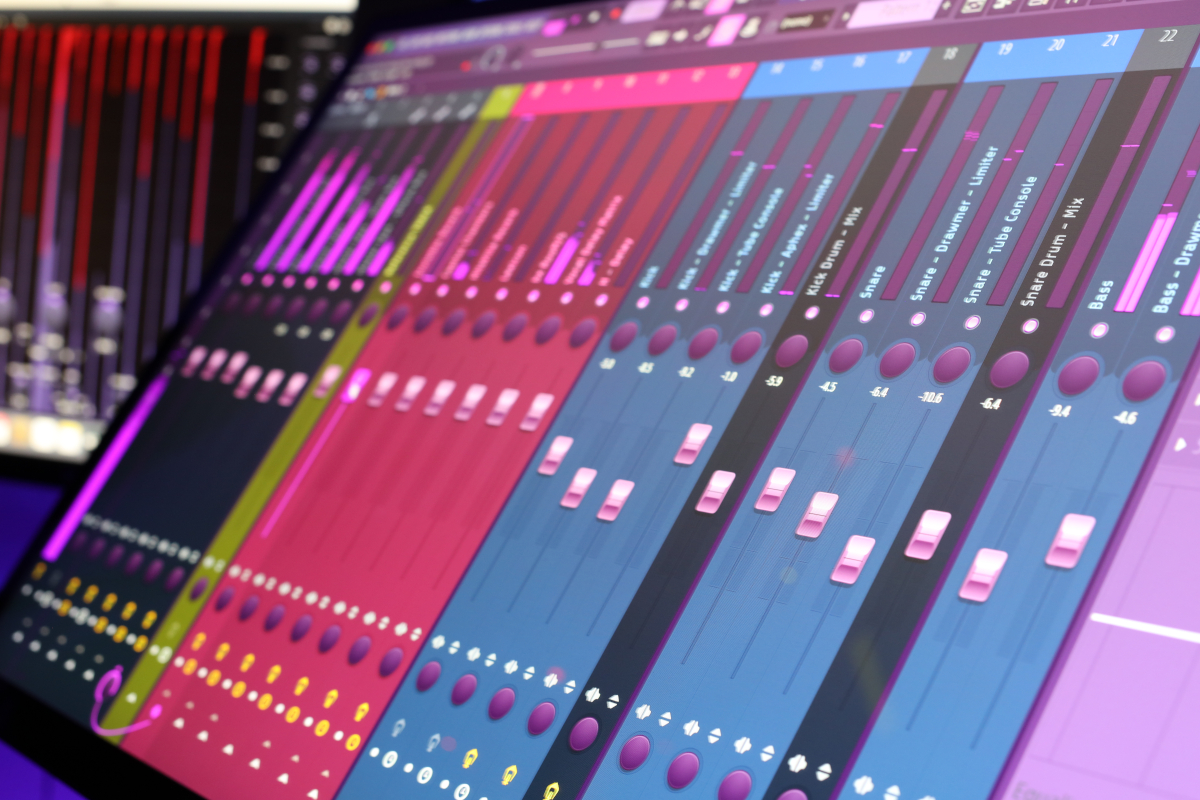
The DAW I use is FL Studio. There is no particular magical reason I use FL Studio over another one, except when I was getting back into recording some years ago, my son was using FL, and I thought I would give it a try. Which doesn’t really matter, because the way I work, can work in any DAW for the mixing and mastering part of what I do. (In today’s world the DAWs pretty much do all the same things), I do like FL Studio though for its song production capabilities and use it that way when writing and arranging a new song. I just create different templates for each stage of a production.
Digital versus Analog…?
My recording experience started decades ago with all analog gear, tape machines and mixers. Over time in my audio progression I was using a hybrid system to master CDs professionally in the late 90s and early 2000s. A combination of analog EQ, multiband tube compression and digital limiting.
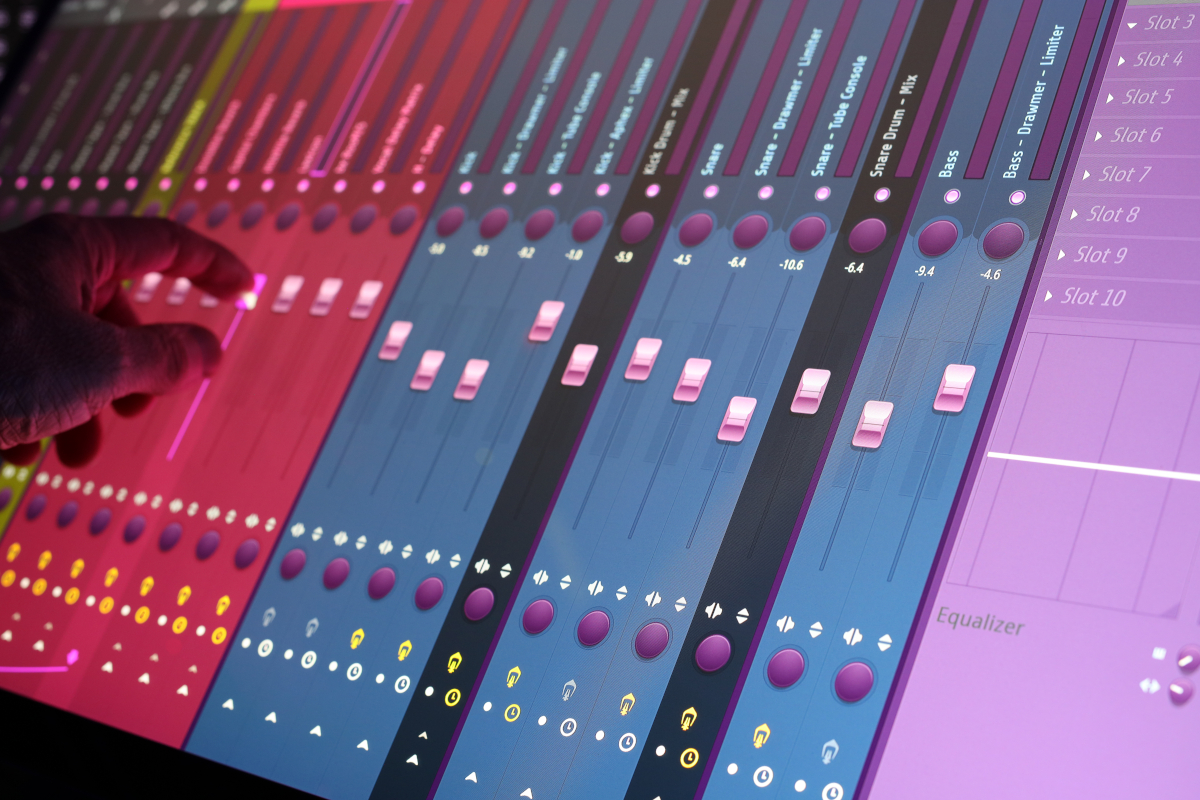
In recent years I have tried to do it ALL in the “box” and only use plugins within the digital domain. I can say it is amazing how far digital audio algorithms have come compared to the early grainy digital delays and reverbs that I was using in the 80s and 90s.
I have over the last few years spent thousands of dollars chasing the “analog” sound I have wanted to recreate inside the “box”. Buying this plugin, and then another, as each different company claims that THIS is the faithful recreation of what you are looking for! And they do get close…
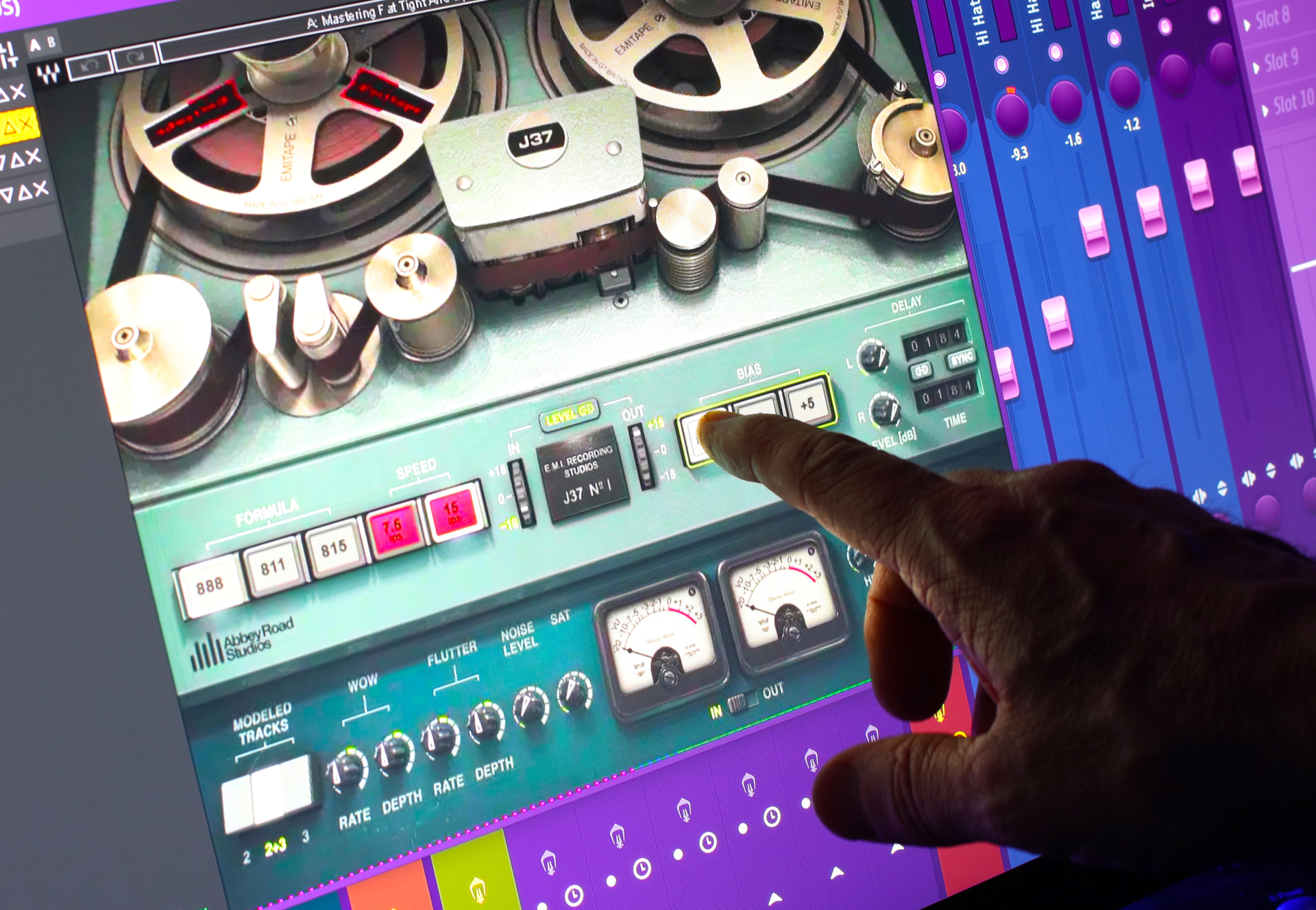
But…
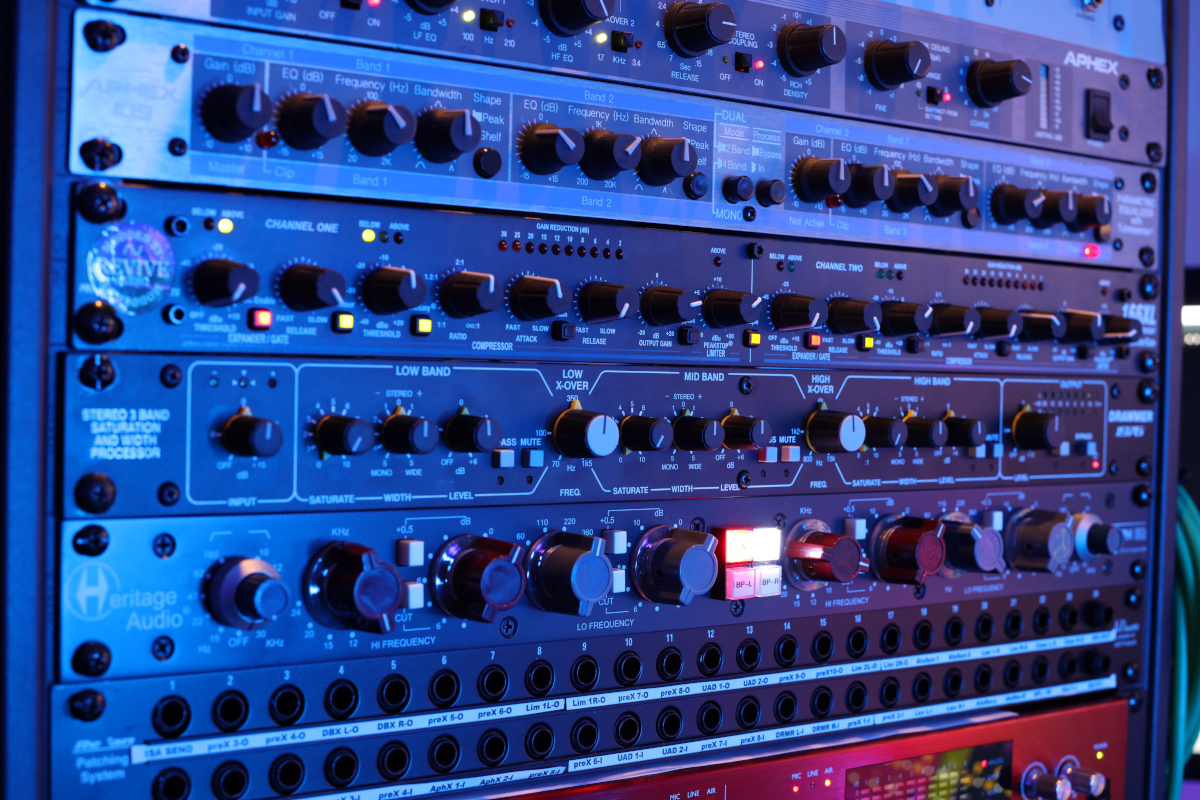
The reality is great analog gear just sounds better! I realized awhile back that I needed to go back to my hybrid setup of years past to get the “analog” sound I wanted. I also knew it wouldn’t happen overnight because the gear isn’t cheap and the setup is much more involved than buying and downloading another $29 plug-in from your favorite plug-in company.
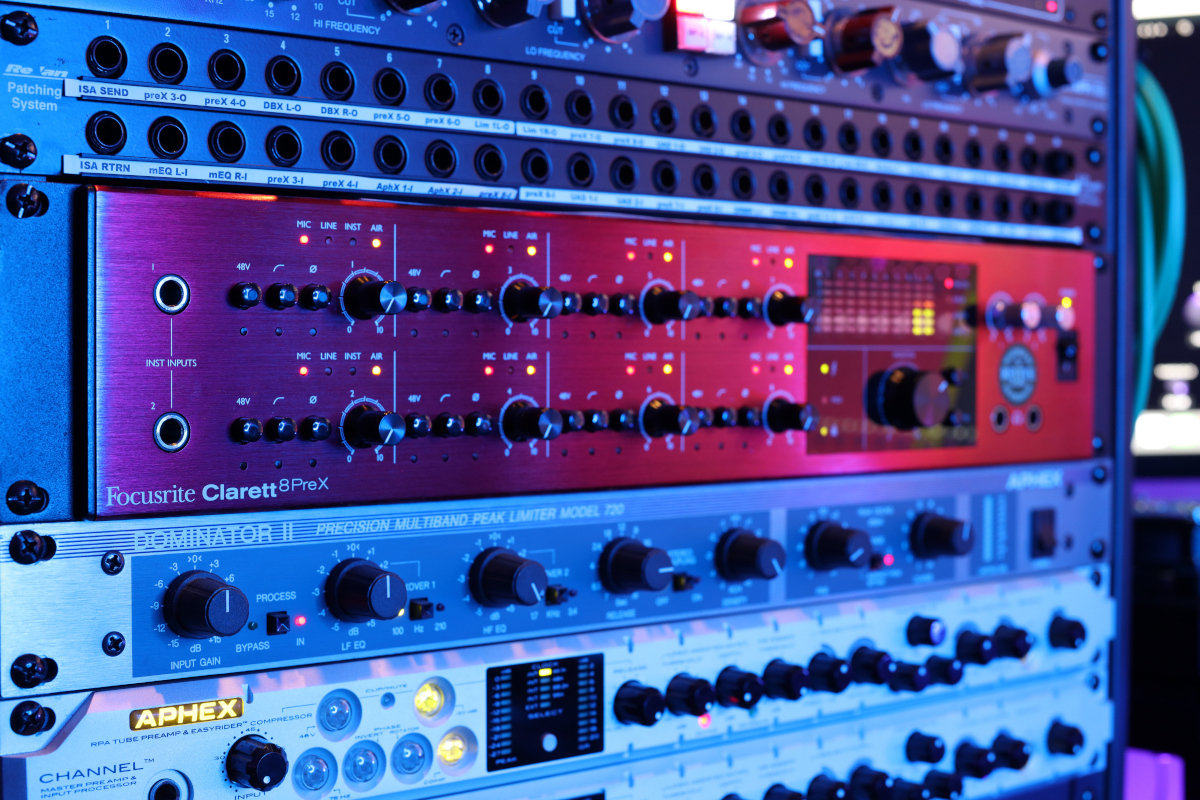
I started with the interface. The interface IS the center point of the quality of your recording system. It defines it. Since the DAW itself is “neutral” sonically, just 1s and 0s, what IS doing the analog to digital conversion and back again to the analog world, where we actually hear something, is critical. (The audio interface IS your recorder and the computer is just the storage device.) I have a Focusrite Clarette 8preX and it is a very good recording interface. I then had it modified by Revive Audio in Tennessee and they upgraded all 8 pre amps and installed a better word clock to lower the A to D, D to A clock jidder among many other modification tricks. This took what was a really good interface to world class status. The clarity improved greatly! I am astounded how much better it is now!
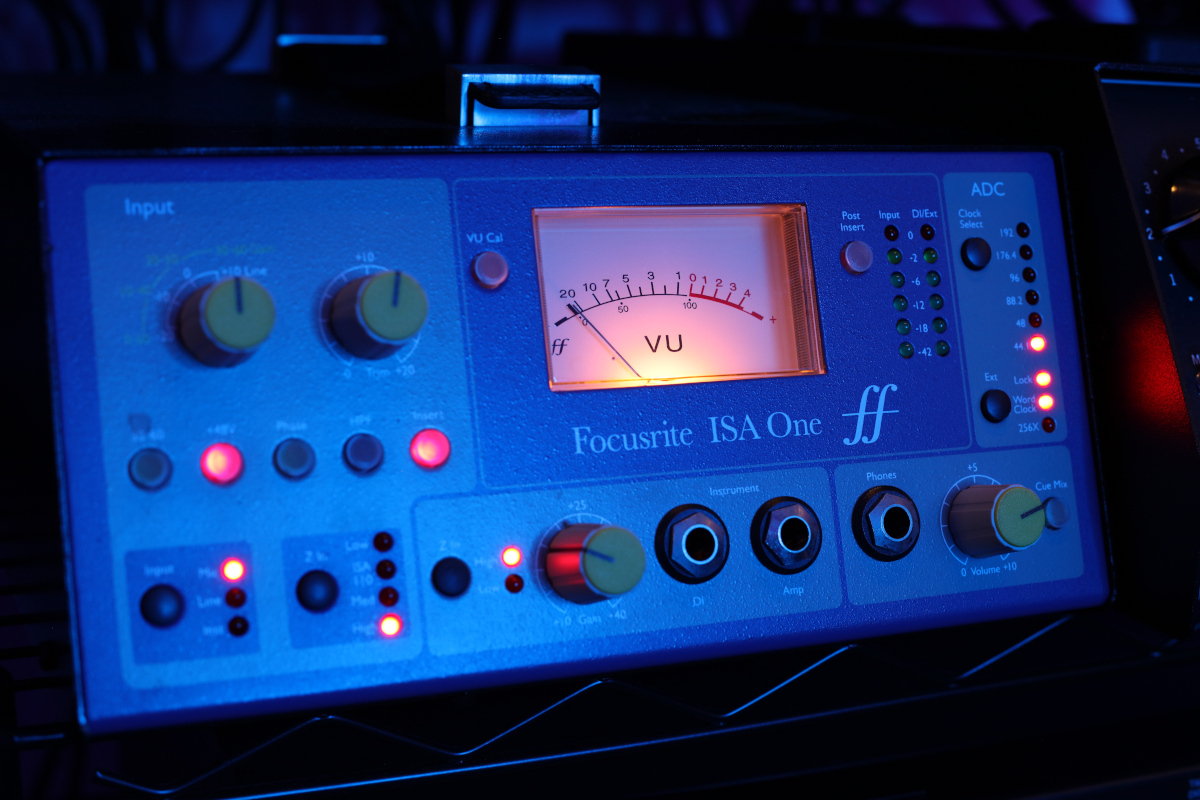
This inspired me to have my Focusrite ISA One preamp modified too, by Revive Audio, that I use to track vocals with. The improvements are amazing! Revive Audio link.
One of the things I was chasing with plug-ins was a great “analog” tube sound, and like I said, a lot of it is very good, but not quite there. So I got a pair of Universal Audio Solo 610 tube preamps. These are based on a Universal Audio tube console from the 1950s / 60s.
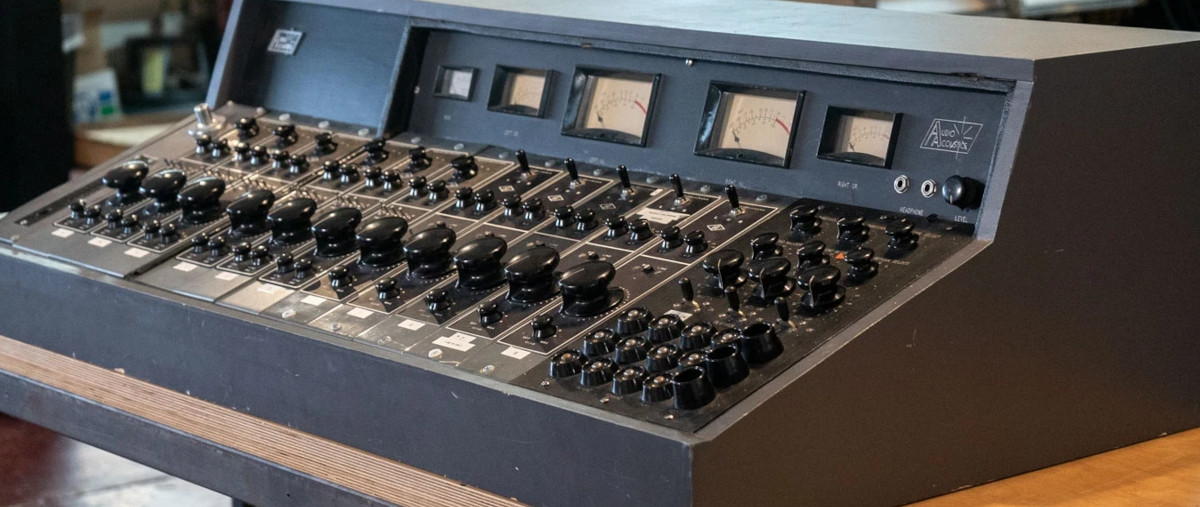
Each track in my mixes gets a recorded layer of real tube sound through these two classic preamp designs. The other recording trick I apply here is the signal is separated and encoded into mid side before entering the tube preamps. One preamp controls the mid mono information and the other the side stereo information. This way different levels of tube saturation can be applied to the mid signal versus the side signal. This technique gives a wonderful audio 3D image. The tracks are recorded back to the DAW still in the M/S configuration. This way the mid side balance can be altered, and enables panning of the different M/S elements maintaining maximum flexibility during the final mix.

For example: want more weight and warmth to the track, increase the level of the tube layer. Want a cleaner thinner sound, then bring it down or turn it off. This gives me complete control during the final mix.
Each instrument, vocal, (“track”), goes through multiple recorded layers of analog gear back into the DAW. Those layers that build the track sound are mixed to a single fader and then to the appropriate sub mix and then out to the master 2 bus.
How does it sound?
I finally have the “analog” sound I was looking for by using of course real analog gear! (You can check out the samples on the Listen page to see if this is the type of sound you are looking for.)
Does it take longer to mix a song?
Absolutely! Carefully tracking and recording each individual track through analog gear in multiple layers takes time, but the results are so worth it!
Think about this…
In today’s production environment we can use digital keyboards in the box. (Computer) We can use drum machines, pre recorded loops, samples and virtual instruments ALL in the box! Add a live vocal or two and then mix it, again all in the box. In the past, in a studio, each keyboard, and drum machine, even though they are all digitally based instruments, were each recorded through pre amps, through mixing consoles, to analog tape. Then it was all mixed back through the analog console back to a master tape machine. Many of these analog steps are gone in our modern digital production environments.
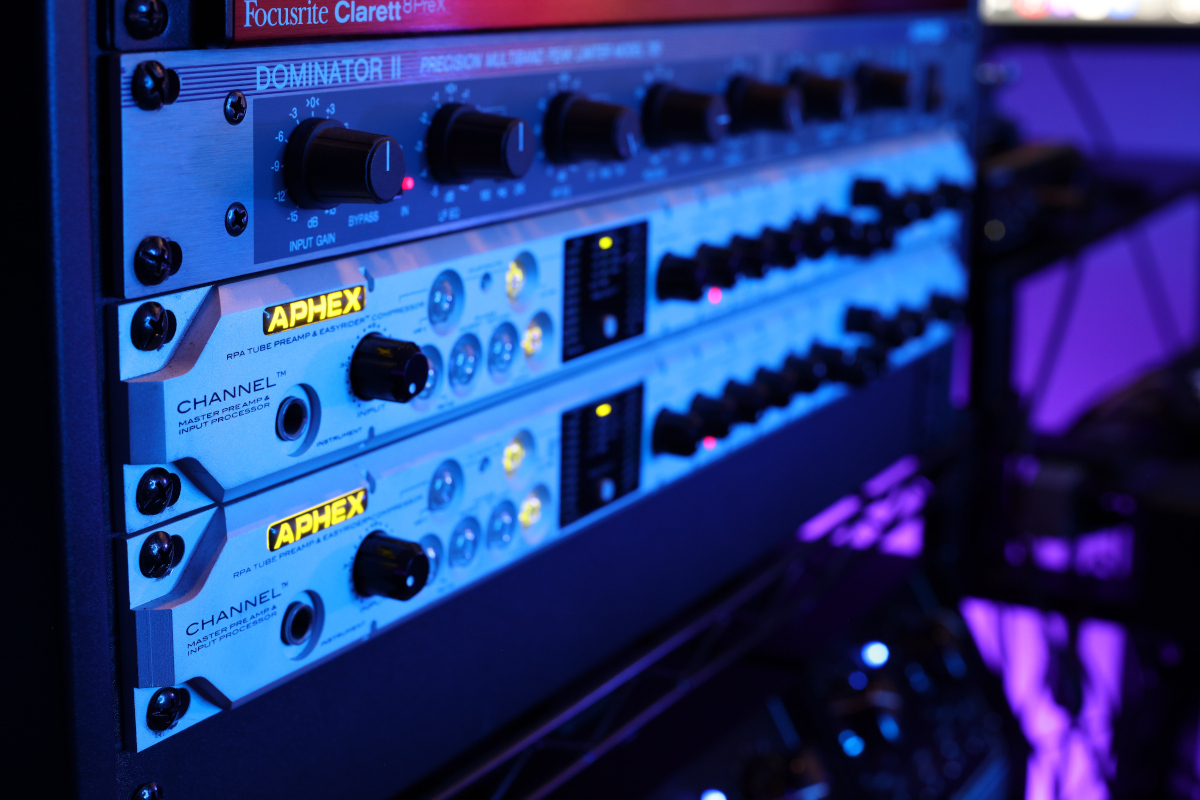
My recording and mixing process is setup to bring the magic of analog equipment back into my production process by actually using ANALOG gear!
I certainly still use plugins but now have a great blend of both worlds. My “layered” analog approach creates many more tracks but gives me the flexibility to alter and shape the sound I am looking for without having to go back a step in the production process or use a bunch of digital plugins.
Check out some samples on the listen page or better yet have me work on one of your songs to really hear the analog advantages.
If you have any questions about my production technics shoot me a message through our contact page.
Thanks, Ken